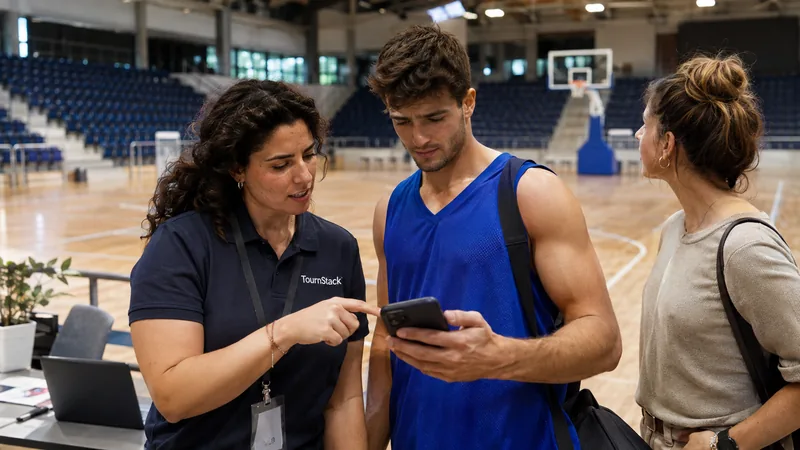
Organising a basketball tournament should start with the basketball: the event you want to run, the people taking part and the day you are bringing them together. Setting up the software should be a straightforward part of that preparation.
That is the idea behind TournStack. The organiser makes the event decisions. Guided setup helps turn those decisions into a tournament, while players and guests can take part through their browser.
Make event decisions through guided setup
The Tournament Wizard is TournStack's step-by-step setup. It guides the organiser through the supported sport, format and event details, keeping the process focused on the tournament being created.
For someone preparing a community basketball event, the useful questions concern the event itself. What are we organising? Which format fits it? What details do participants need? Those are organising decisions. Designing forms, rewriting button labels and planning a software workflow should not become extra jobs for the person running the tournament.
We are building the Wizard around that distinction. You provide the event choices; the application guides the setup. You do not need to become a software designer to organise sport.
Keep the organiser in control without making setup a technical task
Simple does not mean every event has to be identical. Organisers still need to make choices that suit their competition. The software's job is to present the supported choices clearly and guide them through the process.
An experienced organiser may already know the format they want. Someone arranging their first event may appreciate more guidance along the way. The starting point should be the same: understandable event decisions, with no expectation of prior organising expertise.
After setup, the Organizer Dashboard is where the organiser controls the event. How information stays connected during that work is the subject of our earlier article on connected tournament administration. Here, the focus is getting started without turning setup into a project of its own.
Share a link so people can join in their browser
Players and guests do not need the organiser's setup tools. They need access to the event.
Browser-based participation keeps that straightforward: receive the link, open it and complete the relevant registration or view the event information. There is no compulsory app download before someone can get involved.
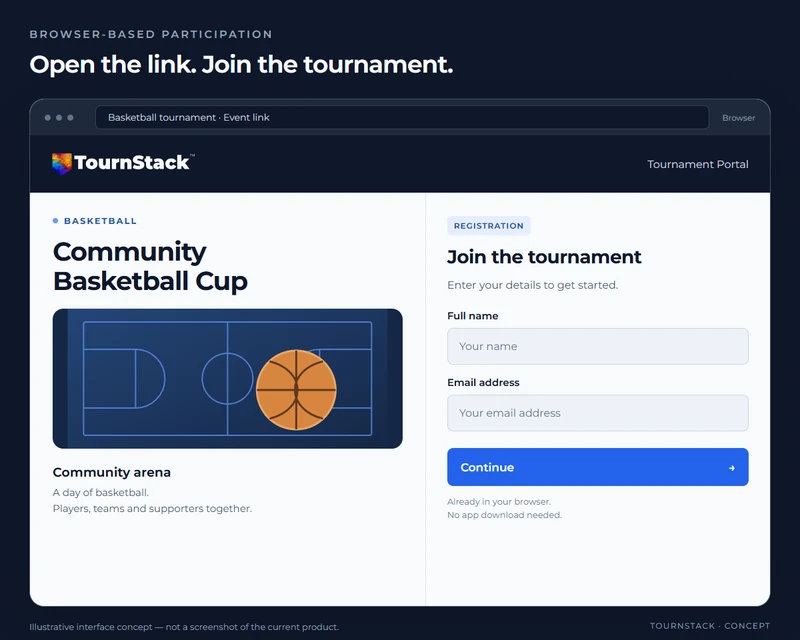
For a basketball event, that means the digital part can fit around the occasion. A player follows the event link on their phone. A guest can open the public Tournament Portal to follow the event. Neither needs to learn the Organizer Dashboard to do so.
This is the distinction we want to preserve: the organiser prepares and controls the tournament; participants use the parts relevant to taking part or following it.
More attention for the event
Ease of use matters because organising software is there to support an event. Guided setup and direct browser access are practical ways to keep the software from becoming another job for the people involved.
TournStack remains in development. The basketball setting illustrates this approach; it does not announce a basketball release. Our product vision explains the broader direction, and we will confirm supported sports and formats for each pilot.
If you are planning an event, tell us what you want to organise. We can discuss whether the current pilot scope fits.